Character Intro
Character intro edit
The character intro is the video-game move: the action stops, the world goes grey, and your friend gets a name card like they just walked into the final level.
FrameFlick finds the best moment of the clip, cuts your subject out of the background, keeps them in colour and adds the name and one-liner you type. The music stops for the intro and comes back when the clip does.
- Freeze
- 3.0s (adjustable)
- Music
- Pauses on the freeze
- You type
- Name + One-liner
- Plan
- Free and Pro
00:00.00
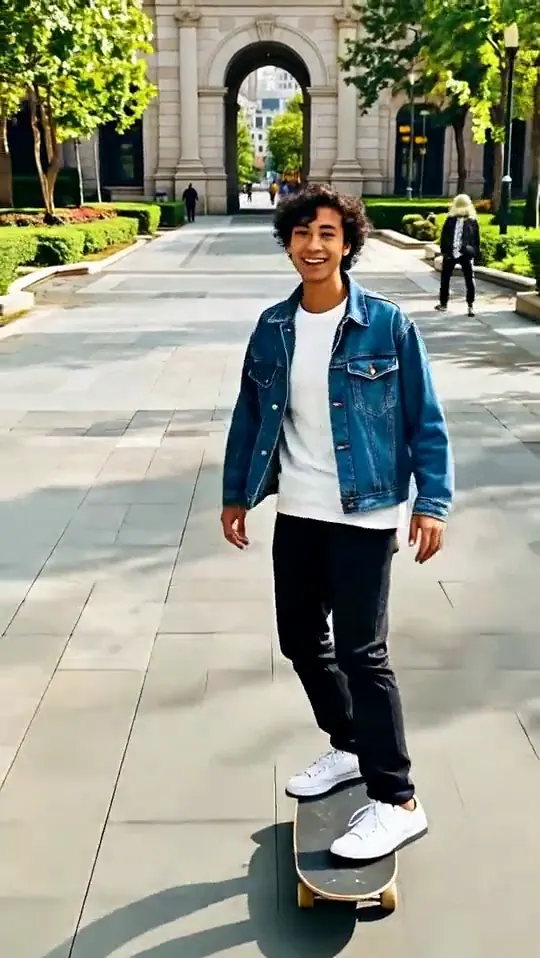
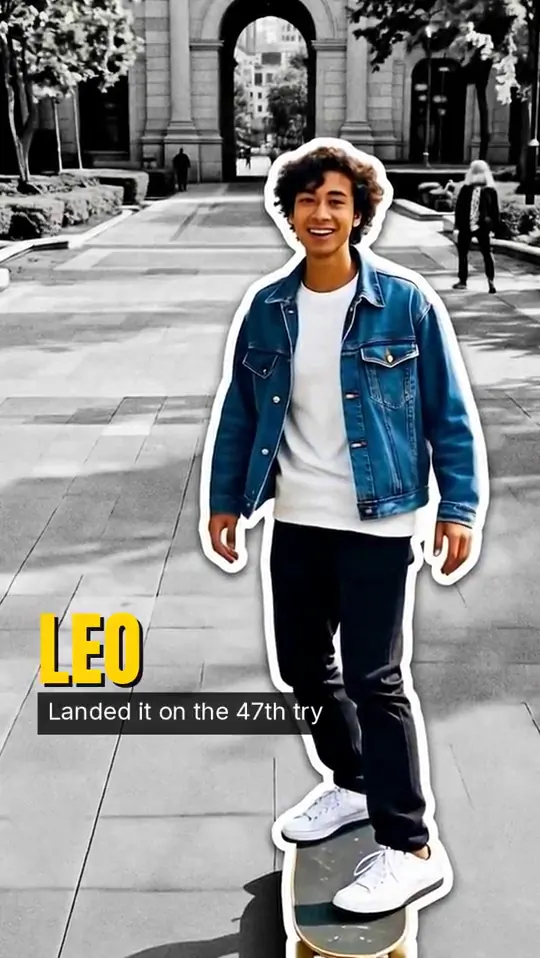 BeforeCharacter Intro
How to make it
Character Intro
in three taps.
- Open FrameFlick and pick Character Intro. It is in the looks feed on the Create tab.
- Choose a clip. FrameFlick suggests the best moment to freeze; scrub the timeline and tap Move here to change it, and type your name and one-liner.
- Tap Freeze it. About 30 seconds later it is ready to save or post. Not quite right? Try another look on the same moment without uploading again.
Great for